
The Parental Control App for Android That Your Child Can See
Set healthy screen time limits, filter risky websites, and see that they made it home from school. It all works in the open, through an app your child knows is there.
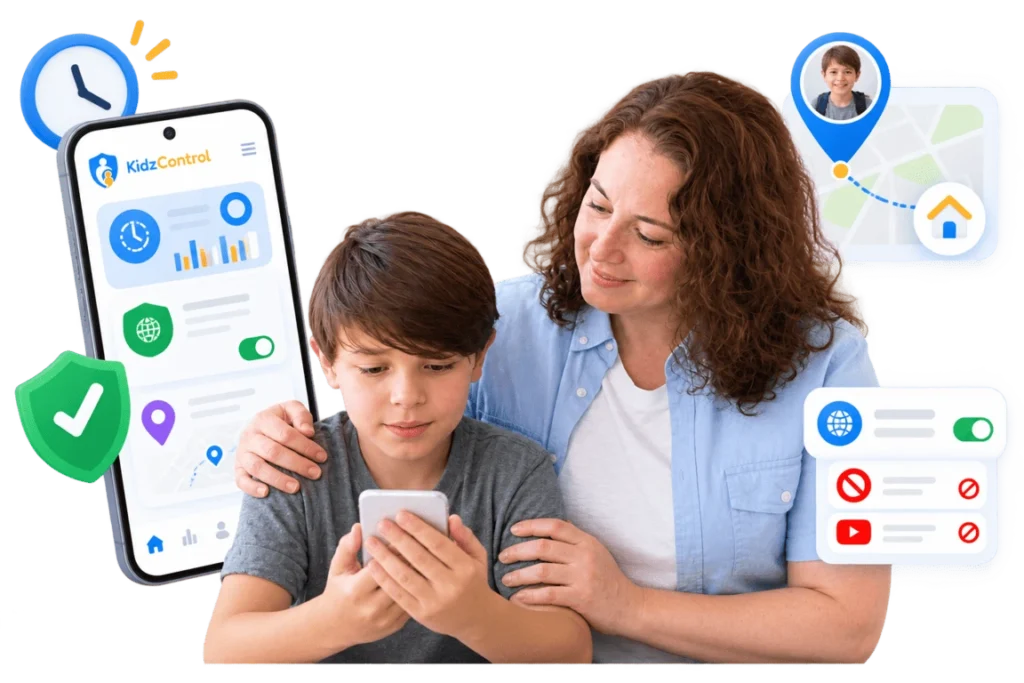
- Why Parents Choose KidzControl
Built on Trust, Not Secrets
Always Visible
KidzControl never runs in the background without your child's knowledge. The app is visible, easy to understand, and encourages transparency.
Your Family's Privacy Matters
Your family's information belongs to you. We never sell your data or share it with advertisers.
Simple Pricing
No hidden charges. No confusing plans. Everything is clearly explained before you subscribe.
Parenting Has Changed
A Phone Should Bring You Closer, Not More Stress
Giving your child their first phone is exciting.
Then come endless videos, social media, gaming, and late-night scrolling.
Most parents don’t want to control every tap.
They simply want to know their child is safe, building healthy habits, and using technology responsibly.
That’s exactly why KidzControl exists.

- How It Works
Get Started in Just 3 Simple Steps
No technical knowledge needed. Setup takes only a few minutes.
Install KidzControl
Create your parent account and access your family dashboard.
Connect Your Child's Android Device
Install the child app and securely pair both devices. Everything is done together, so your child knows exactly how it works.
Create Healthy Digital Rules
Choose daily screen time. Limit selected apps. Enable web protection. Adjust everything whenever your family needs.
Install KidzControl
Create your parent account and access your family dashboard.
Connect Your Child's Android Device
Install the child app and securely pair both devices. Everything is done together, so your child knows exactly how it works.
Create Healthy Digital Rules
Choose daily screen time. Limit selected apps. Enable web protection. Adjust everything whenever your family needs.
- FEATURES
Everything You Need to Keep Kids Safe Online
Powerful Features. Simple Controls.
Screen Time Management
Create healthy daily limits, bedtime schedules, and school-hour rules without daily arguments.
Safe Web Browsing
Automatically block unsafe websites while keeping SafeSearch enabled.
Live Location Updates
See where your child is and know when they safely arrive home or school.
Social Media Limits
Understand how much time is spent on social and messaging apps, then set limits that work.
Calls & SMS Activity
Stay informed about your child's communication activity and start meaningful conversations when needed.
- Honest About What We Can Do
Designed Around Transparency
KidzControl Can Help You
- Monitor daily screen time
- View app usage
- Filter unsafe websites
- View family location
- Review call and SMS activity
- Alert you if someone tries to remove the app
KidzControl Will Never
- Hide itself from your child
- Monitor adults
- Sell your family's data
- Pretend to replace healthy parenting
Simple Pricing
Everything Included. No Hidden Fees. One subscription gives you access to every feature, so you never have to upgrade later. Try every feature during your free trial. Cancel whenever you want.
- FAQs
Your Questions, Answered
Will my child know the app is installed?
Yes. KidzControl is designed to be visible. We believe healthy digital habits begin with openness and trust.
Can my child uninstall the app?
Removing the app requires your parent approval. If someone attempts to remove it, you’ll be notified (where supported).
Which Android devices are supported?
KidzControl works with Android 8.0 and newer. No rooting required.
What information can I see?
Depending on your settings, you can view:
- Screen time
- App usage
- Website activity
- Family location
- Calls and SMS activity
Is our data private?
Yes. Your data is used only to provide the service. We never sell it to advertisers.
Help Your Child Build Healthier Digital Habits
Create better screen routines, reduce online risks, and stay connected—all with a parental control app your child can see.