
Real-Time Family Location for Android
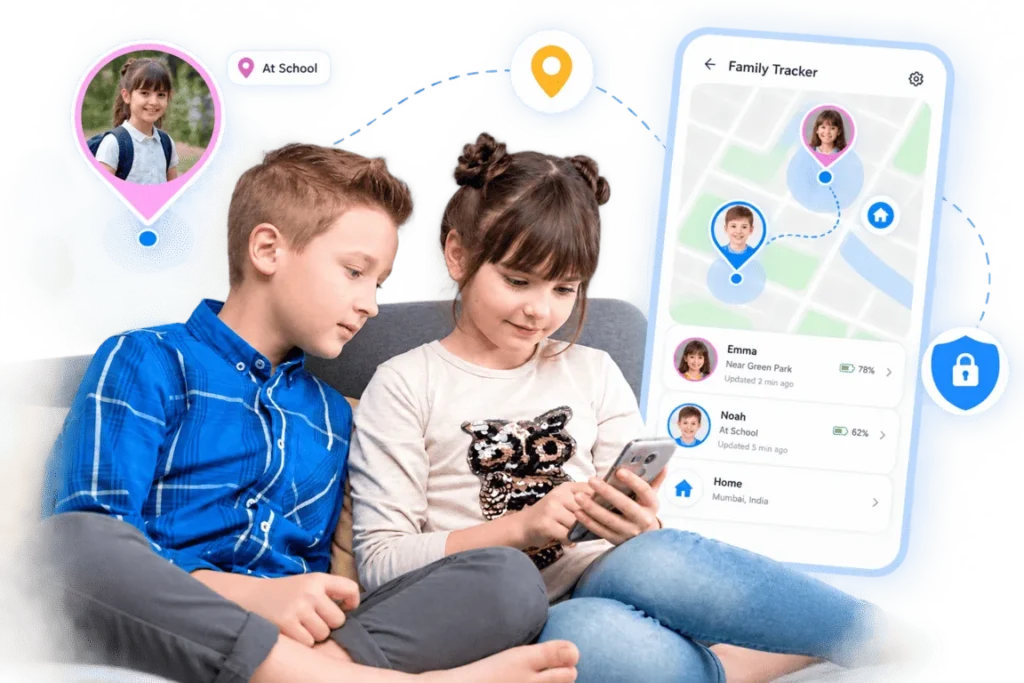
KidzControl lets you see your child’s location on a live map, set safe zones for places like home and school, and get arrival or departure alerts when they move between them. All through an app your child can see.
7-Day Free Trial • No Credit Card Required

A Smarter Way to Stay Connected
Set it up together with your child and choose the level of location sharing that works for your family.
See Their Location on a Live Map
Open KidzControl and see where your child’s phone is on a live map. Choose continuous live updates when you want the most current location, or use interval-based updates throughout the day for a lighter approach. You choose what works best for your family.
Know When They Arrive
Create safe zones around places that matter, such as home, school, or a grandparent’s house. KidzControl can notify you when your child arrives at or leaves a safe zone, so you don’t have to keep checking the map. Set it once. Let the alerts keep you informed.
Look Back Over the Last 90 Days
Need to check where the phone has been?
KidzControl keeps a 90-day location history, giving you a useful record of previous locations and routines.
Whether you’re checking an after-school journey or simply trying to remember where your child went, the information is there when you need it.
Keep the Whole Family in the Loop
Parents don’t have to manage everything alone.
Anyone you trust with your family account login can view the same location information. That means parents and caregivers can stay coordinated when managing pickups, handoffs, and everyday routines.
One family. One shared view.
Stay Connected Without Draining the Battery
Location tracking shouldn’t leave your child’s phone searching for a charger halfway through the day.
KidzControl is designed for minimal battery consumption, helping location updates stay available while keeping the phone usable throughout the day.
You can also choose interval-based updates when continuous tracking isn’t necessary.
Location Tracking Works Best When It's a Family Conversation
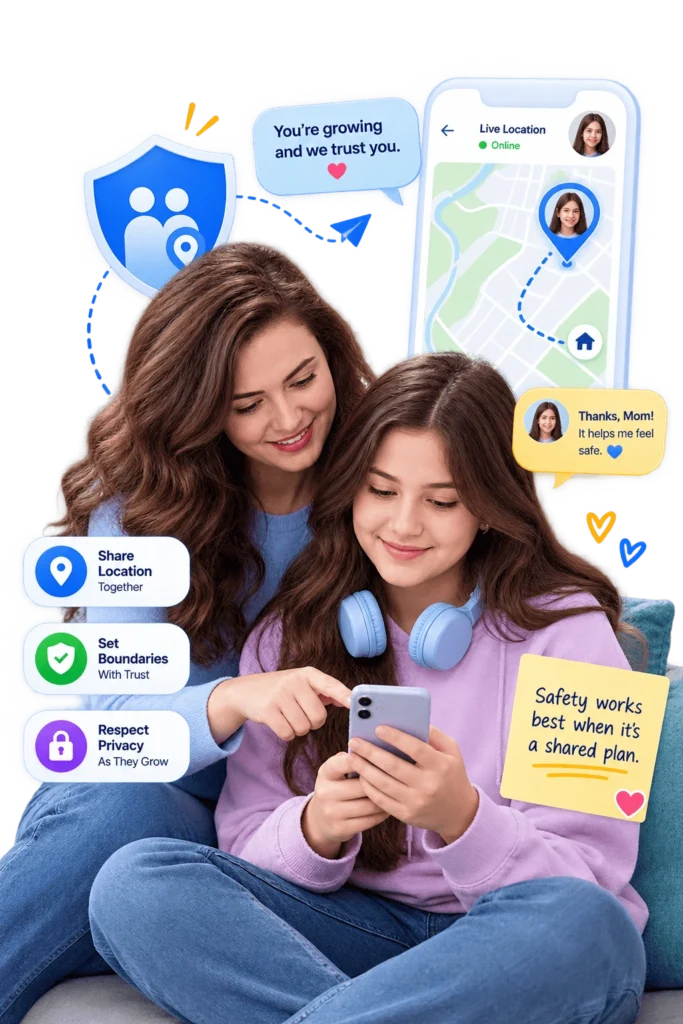
Here’s something most apps in this category won’t tell you. Location tracking is easy with a seven-year-old and complicated with a fifteen-year-old, and pretending otherwise doesn’t help anyone.
As kids grow, they need room to become independent, and part of that is a little privacy. The research on this is consistent, and so is the advice from family-safety experts, tracking works best when it’s a shared agreement, not a secret. Talk with your child about why location is on, what it’s for, and when you’ll actually check it. A teenager who understands the safety net is far more likely to keep it in place than one who feels followed.
That’s why KidzControl is built to be visible and set up together, and why we’d gently suggest easing off as your child earns more trust. A good safety net is one you rarely need to look at.
Your Family's Location Data Stays Private
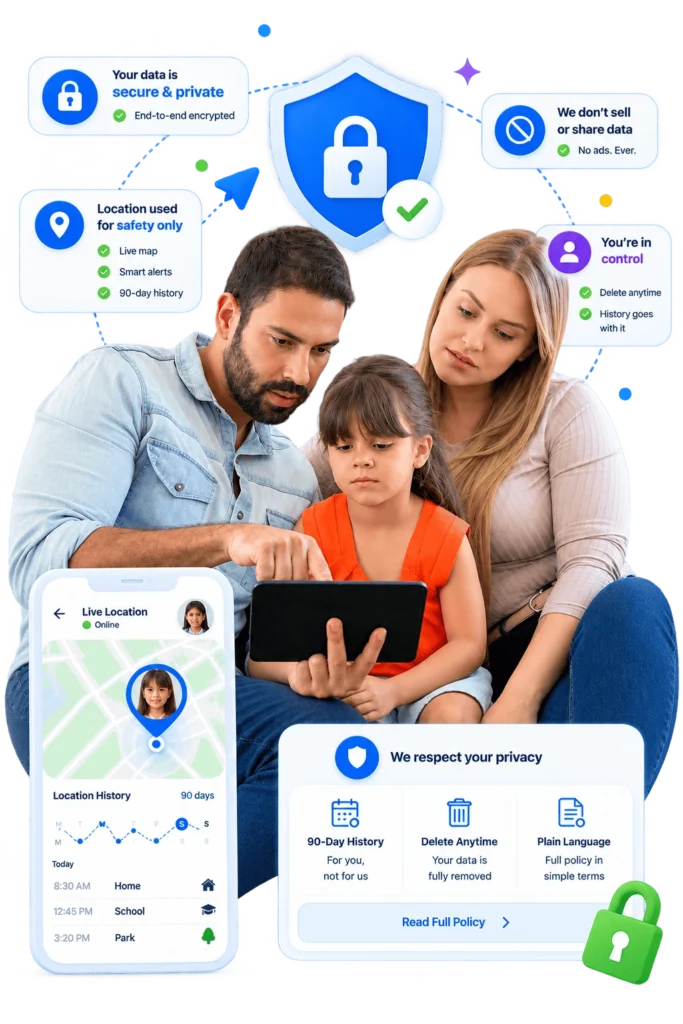
Location is the most personal thing KidzControl handles, and we treat it that way. Your family’s location data is stored securely and privately, used to power the map and alerts and nothing else. We don’t sell it, and we don’t share it with advertisers.
The 90-day history is there for you, not for us, and when you delete your account, your location history goes with it. If you’d like the full detail, it’s all laid out in plain language.
- How It Works
Set Up Your Family's Safety Net in Minutes
No technical knowledge needed. Setup takes only a few minutes.
Connect Your Family
Set up KidzControl on your child's Android phone and your family account.
Choose Your Location Mode
Choose between continuous live location or interval-based updates depending on what works for your family.
Add Safe Zones
Create zones for important places like home, school, or a caregiver's house.
Let KidzControl Keep You Informed
Receive arrival and departure alerts and check the live map whenever you need to.
Connect Your Family
Set up KidzControl on your child's Android phone and your family account.
Choose Your Location Mode
Choose between continuous live location or interval-based updates depending on what works for your family.
Add Safe Zones
Create zones for important places like home, school, or a caregiver's house.
Let KidzControl Keep You Informed
Receive arrival and departure alerts and check the live map whenever you need to.
Simple Pricing
Everything Included. No Hidden Fees. One subscription gives you access to every feature, so you never have to upgrade later. Try every feature during your free trial. Cancel whenever you want.
- FAQs
Your Questions, Answered
How accurate is KidzControl's location tracking?
KidzControl shows your child’s phone on a live map with pinpoint location information. GPS accuracy is generally best outdoors with a clear view of the sky and can be less precise indoors, inside large buildings, or in dense urban areas.
This is a limitation of phone GPS technology itself, not something unique to KidzControl
Can I get an alert when my child arrives at school?
Yes. Add your child’s school as a safe zone, and KidzControl can notify you when they arrive and when they leave.
You can create safe zones for other important places too, such as home or a grandparent’s house.
Does location tracking drain the phone battery?
KidzControl is designed to use minimal battery power while location tracking is enabled.
You can also choose interval-based updates instead of continuous live tracking when you want to reduce battery usage further.
Can both parents see the location?
Yes. Anyone you trust with the family account login can view the same location information.
This makes it easier for parents and caregivers to coordinate everyday responsibilities.
Will my child know that location tracking is enabled?
Yes. The KidzControl app is visible on your child’s phone.
We recommend setting up location sharing together and talking about why it is being used. KidzControl is designed around openness and family communication.
How long is location history stored?
KidzControl keeps a rolling 90-day location history.
Your location information is stored securely, and when you delete your account, your location history is deleted as well.
Know They're Okay, Without the Constant Worry
Set up your family’s location safety net today.
Create safe zones, receive arrival alerts, and check their location when you need to. KidzControl helps you stay connected while giving your child room to grow.
7-Day Free Trial • No Credit Card Required