
Social Media & Chat Safety for Android
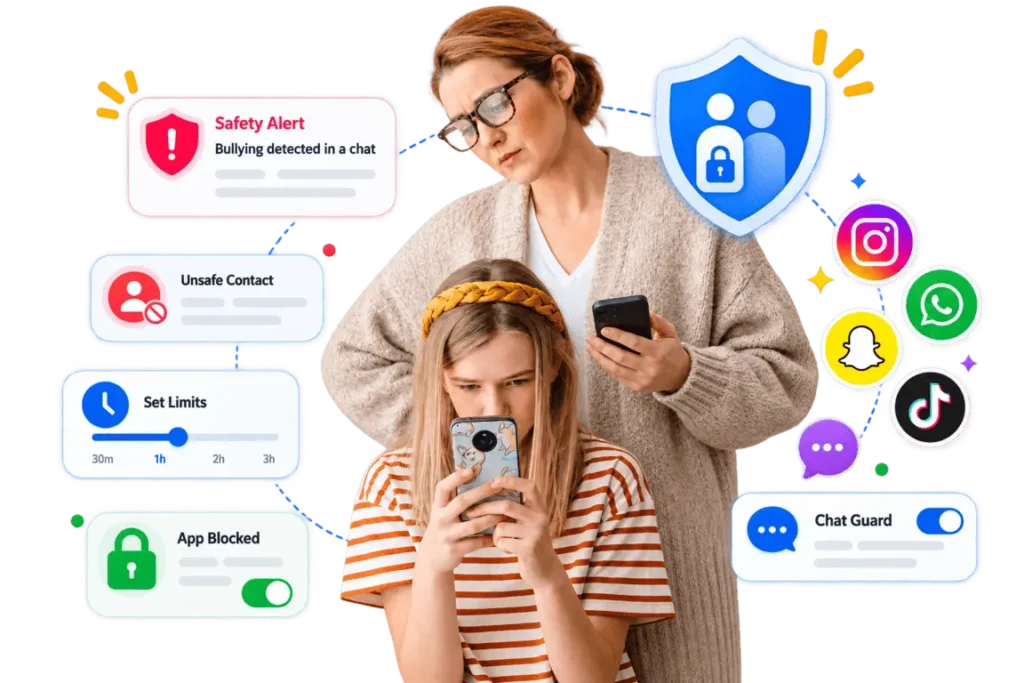
KidzControl looks for warning signs such as bullying and unsafe contacts and sends you a safety alert when something needs your attention. You can also set limits or block social and chat apps directly from your phone.
7-Day Free Trial • No Credit Card Required
The Conversations You Can't Always See
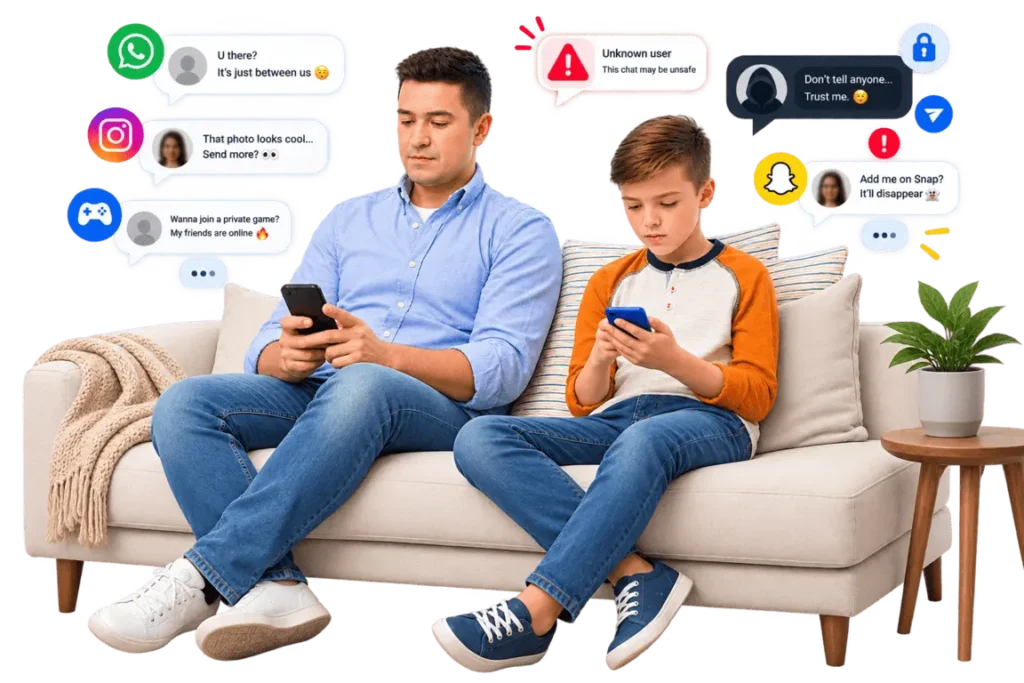
Your child’s social life lives inside apps now. Group chats, DMs, friend requests from people you’ve never met. Most of it is harmless, the ordinary noise of growing up. But every parent knows the small fear underneath, the bullying message, the stranger who seems a little too friendly, the late-night post that says more than your child means to.
You can’t read over their shoulder all day, and honestly, you shouldn’t have to. KidzControl is built to catch the things that actually matter, so the rest can stay their business.
Two Layers of Protection for a Safer Social Life
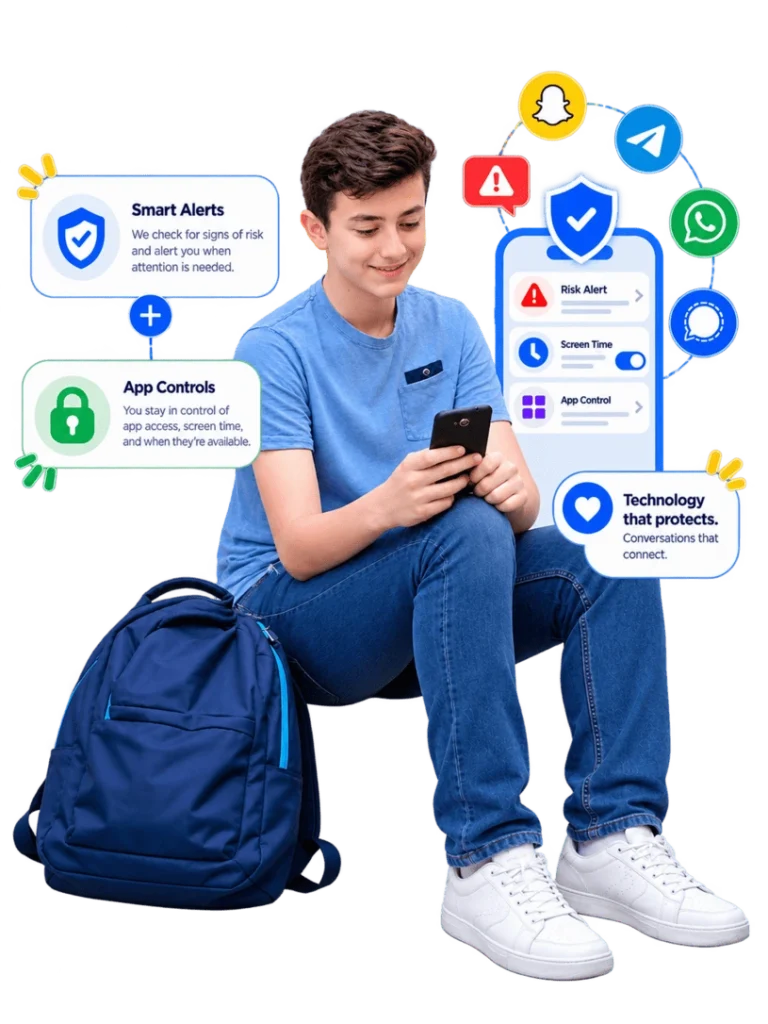
KidzControl combines safety alerts with app controls, giving parents protection without turning every conversation into something to monitor.
Get Alerts When Words Signal a Problem
KidzControl looks for concerning language in messages that can indicate things like bullying, unsafe contact, or a child in distress. When something needs your attention, you receive an alert. You don’t get a transcript of every conversation. You get a heads-up when something may genuinely matter.
Add Your Own Watch-Words
Every family worries about different things. Alongside KidzControl’s built-in alerts, you can add your own words or phrases to watch for, so the safety net fits your child and your concerns.
Manage Social & Chat Apps
For any social or chat app, you can see how much it’s being used and set time limits, or block it outright when you need to. This is how KidzControl helps even with apps that keep messages private and encrypted, where no app can reliably read the contents. You may not see inside every chat, but you decide when and how much those apps are used.
Guidance for the hard conversations
Catching a problem is only half the job. When something comes up, KidzControl gives you safety tips and conversation starters to help you talk with your child, calmly and without turning it into an interrogation. The goal is a better conversation, not a bigger fight.
Safety, Not Snooping
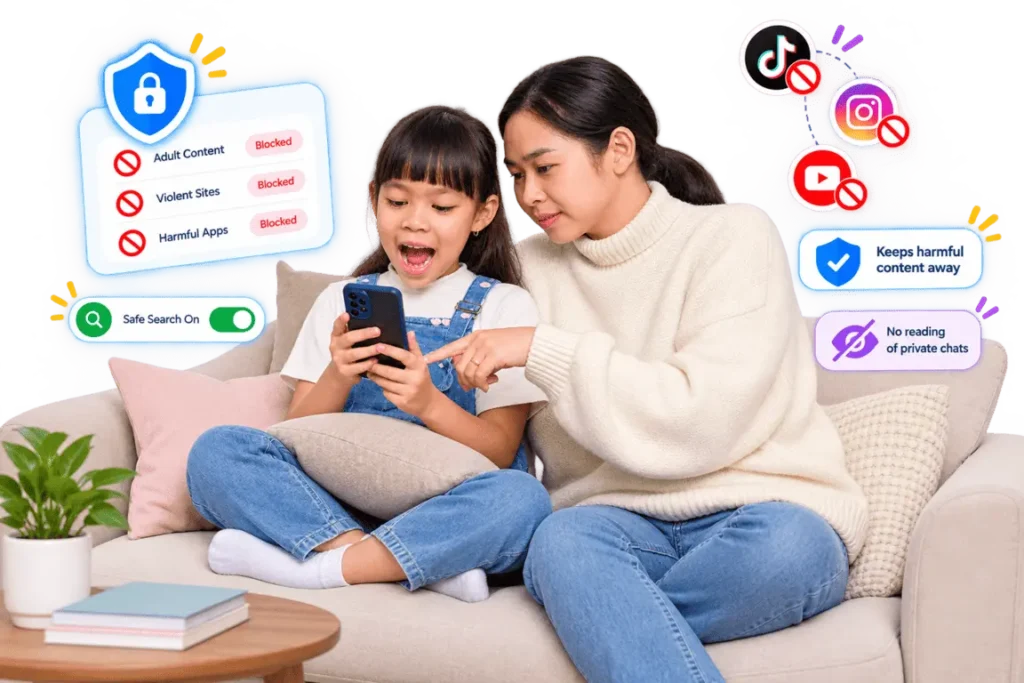
Let’s be clear about what this is and isn’t. KidzControl is here to catch genuine danger in your child’s online life. It is not here to hand you every private message they send to their best friend.
That distinction matters, and the experts agree on why. Children, especially teenagers, need some privacy to grow into confident, independent people. Reading everything tends to backfire, kids come to resent it, and they stop coming to you when something’s actually wrong. Safety alerts work differently. They let your child keep the ordinary privacy they deserve, while still making sure a real problem doesn’t slip past you.
That’s the balance KidzControl is built around. Protection where it counts, privacy everywhere else, and an app your child can see rather than one working behind their back.
An Honest Word About What Any App Can See
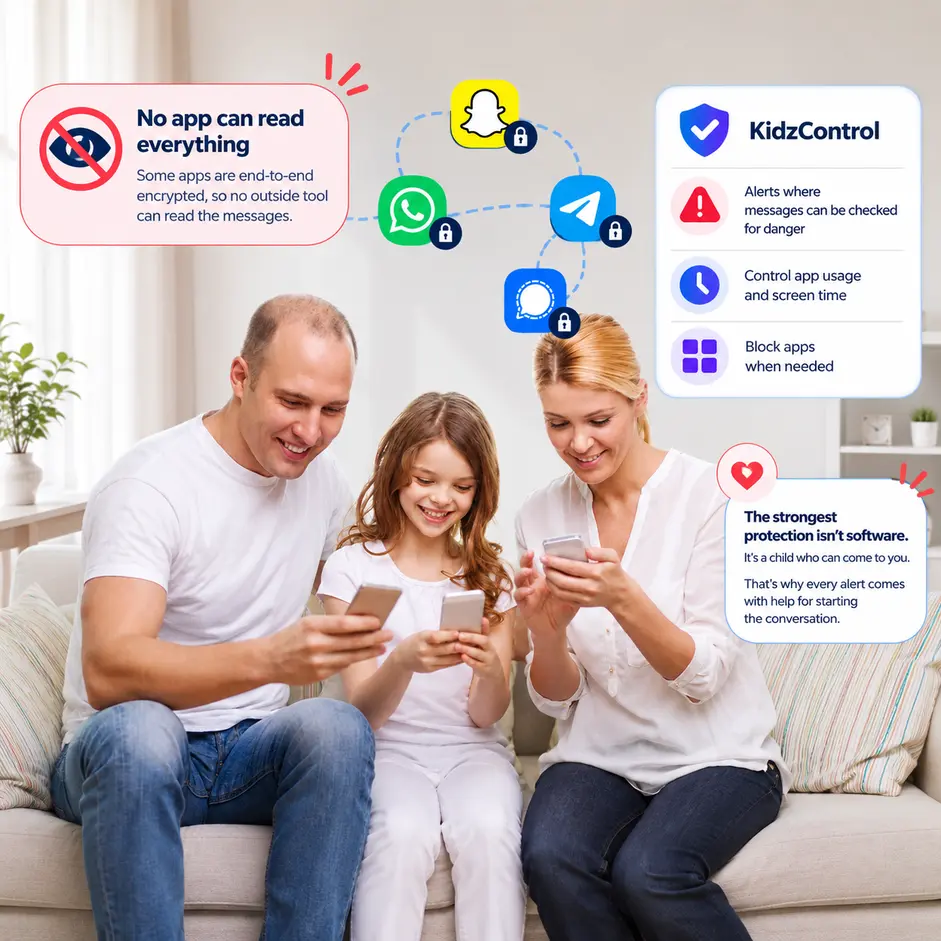
You’ll see apps that promise to show you everything your child does on every platform. Be a little skeptical of that. Some apps, like Snapchat and other encrypted messengers, are specifically built so that no outside tool can read the messages inside them. Any app claiming to read all of them is either overpromising or doing something you wouldn’t want on your child’s phone.
KidzControl takes the honest route. Where messages can be safely checked for danger, our alerts do that. Where they can’t, we give you control over the app itself, how long it’s used and whether it’s available at all. And across all of it, the strongest protection isn’t software. It’s a child who knows they can come to you. That’s why every alert comes with help for starting the conversation.
- How It Works
Set Up Social Media Safety in Minutes
Connect Your Child's Device
Install KidzControl on your child's Android device and connect it to your family account.
Choose Your Safety Settings
Enable safety alerts and add your own custom watch-words.
Set Social App Limits
Choose how much time your child can spend on social and chat apps, or block specific apps when needed.
Respond When It Matters
If KidzControl detects concerning language, you'll receive an alert along with guidance to help you decide what to do next.
Connect Your Child's Device
Install KidzControl on your child's Android device and connect it to your family account.
Choose Your Safety Settings
Enable safety alerts and add your own custom watch-words.
Set Social App Limits
Choose how much time your child can spend on social and chat apps, or block specific apps when needed.
Respond When It Matters
If KidzControl detects concerning language, you'll receive an alert along with guidance to help you decide what to do next.
Simple Pricing
Everything Included. No Hidden Fees. One subscription gives you access to every feature, so you never have to upgrade later. Try every feature during your free trial. Cancel whenever you want.
- FAQs
Your Questions, Answered
Does KidzControl let me read my child's messages?
No. KidzControl is designed around keyword-based safety alerts, not a feed of your child’s private conversations.
When concerning language is detected, such as language associated with bullying or unsafe contact, you receive an alert so you can decide whether something needs your attention.
Which social media and chat apps does KidzControl support?
Safety alerts work across popular messaging and social apps where message content can be checked.
Some encrypted apps, such as Snapchat and similar services, don’t allow outside tools to reliably read their message content.
For those apps, KidzControl provides usage visibility, time limits, and blocking instead.
The client has specifically requested that a verified supported-app list be added once available, rather than making unsupported platform claims.
Can KidzControl alert me about cyberbullying?
Yes. KidzControl can look for language that signals bullying and alert you when something concerning appears.
You can also add your own custom watch-words and phrases.
The alert can then help you decide whether it’s time to check in with your child.
Can I limit my child's social media time?
Yes. Set daily time limits for social and chat apps, create schedules, or block a specific app completely.
These controls work alongside KidzControl’s broader screen time management features.
Can I add my own words to monitor?
Yes. You can add custom watch-words and phrases that you want KidzControl to look for.
This lets you tailor the safety alerts to your family’s specific concerns.
Will my child know KidzControl is on their phone?
KidzControl is designed to be visible on your child’s phone.
We recommend setting it up together and explaining why the safety features are being used.
Openness is part of the protection.
Should I read my teenager's DMs?
The goal isn’t to read everything.
As children grow, they need increasing levels of independence and privacy. Safety alerts provide a middle ground by helping parents recognize genuinely concerning situations without turning ordinary conversations into something that needs to be monitored.
Give them privacy. Stay available when they need you.
Protect What Matters. Respect the Rest.
Catch the warning signs that deserve your attention without reading every conversation.
Set up safety alerts, manage social media time, and give your child a safer way to navigate the digital world.
7-Day Free Trial • No Credit Card Required